Clock Tick Last
Elliot Margot (AI Generated)The theme for the Deliverable Factory: every layer enters exactly on the downbeat, until only the clock tick remains.
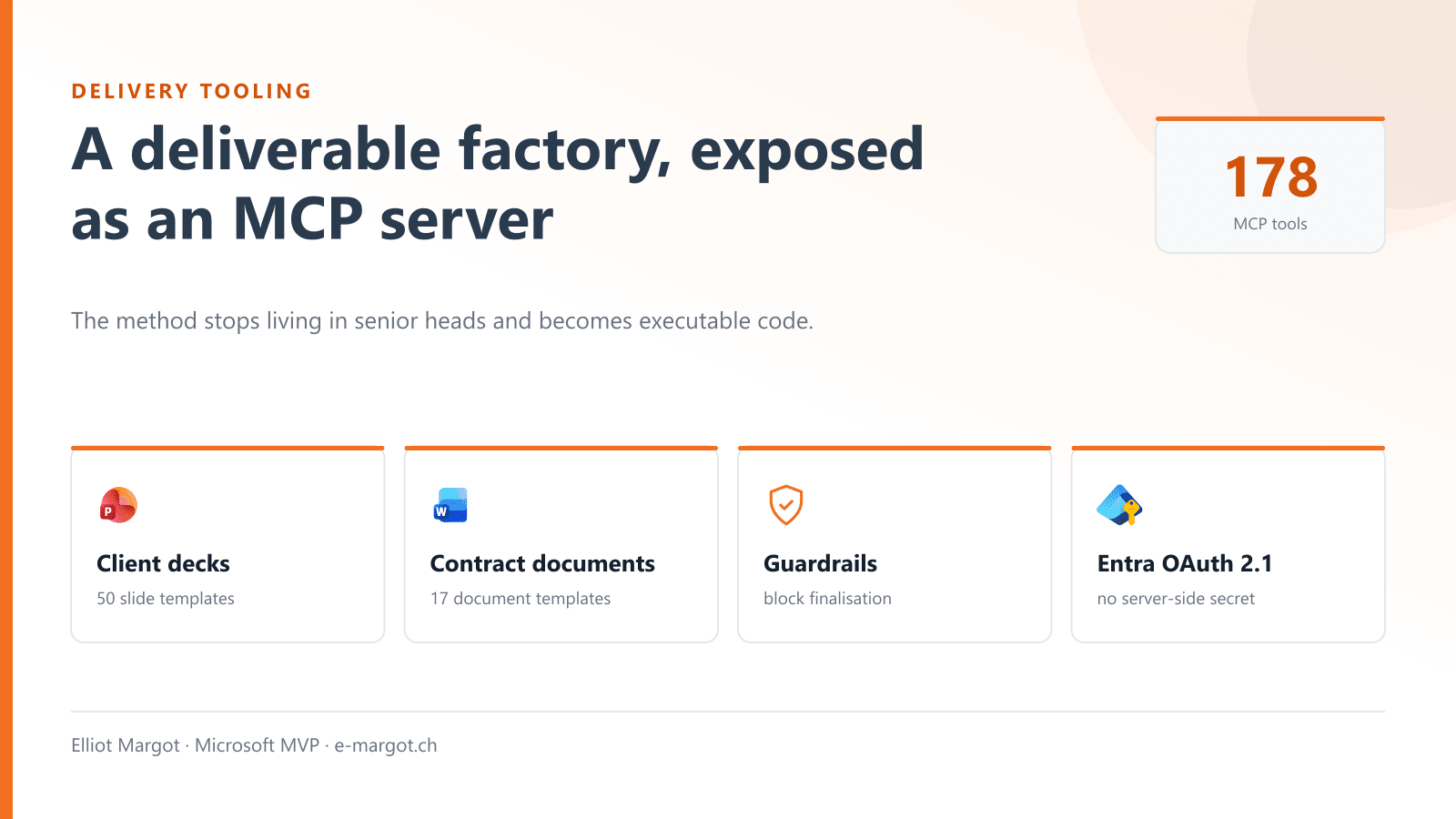
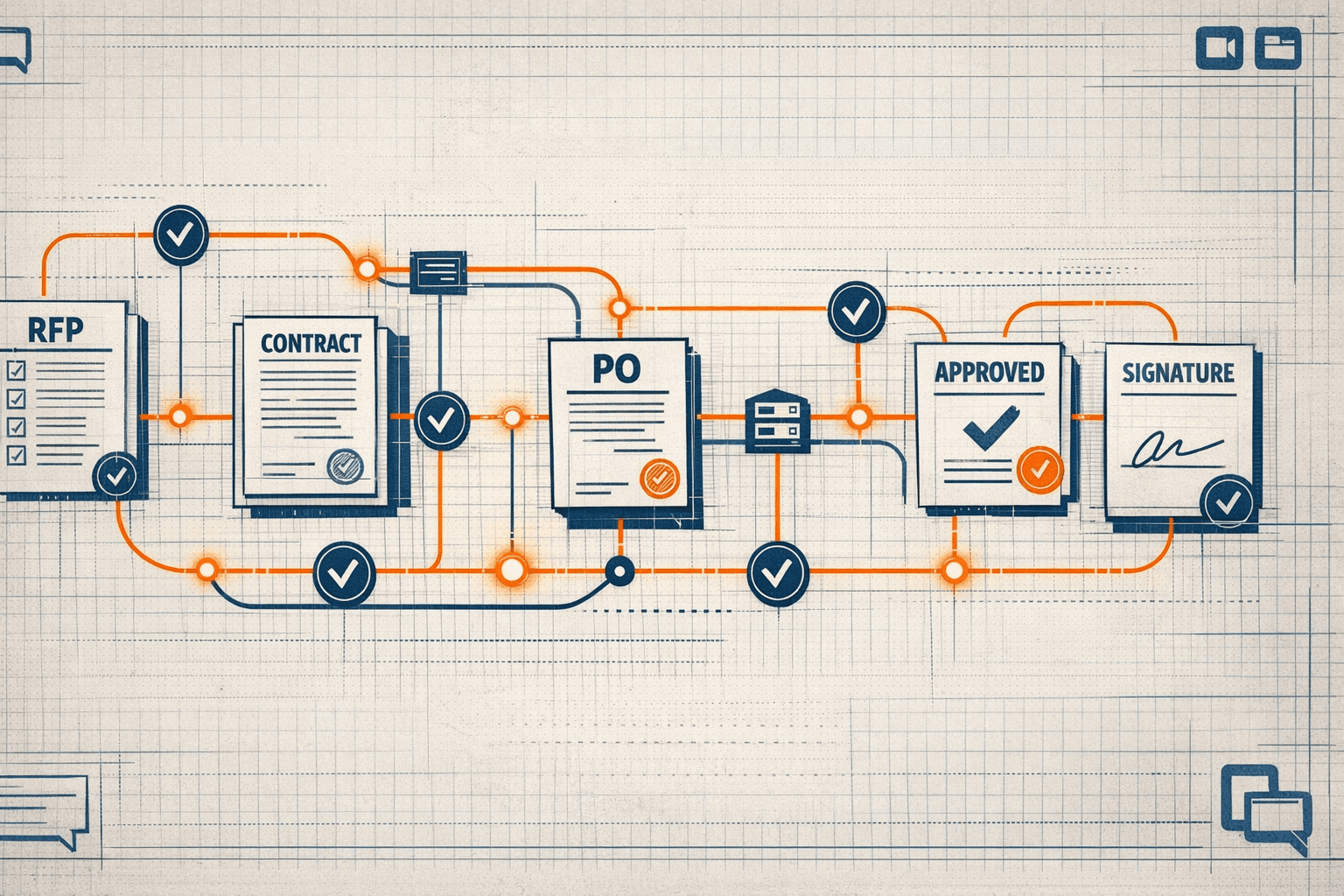
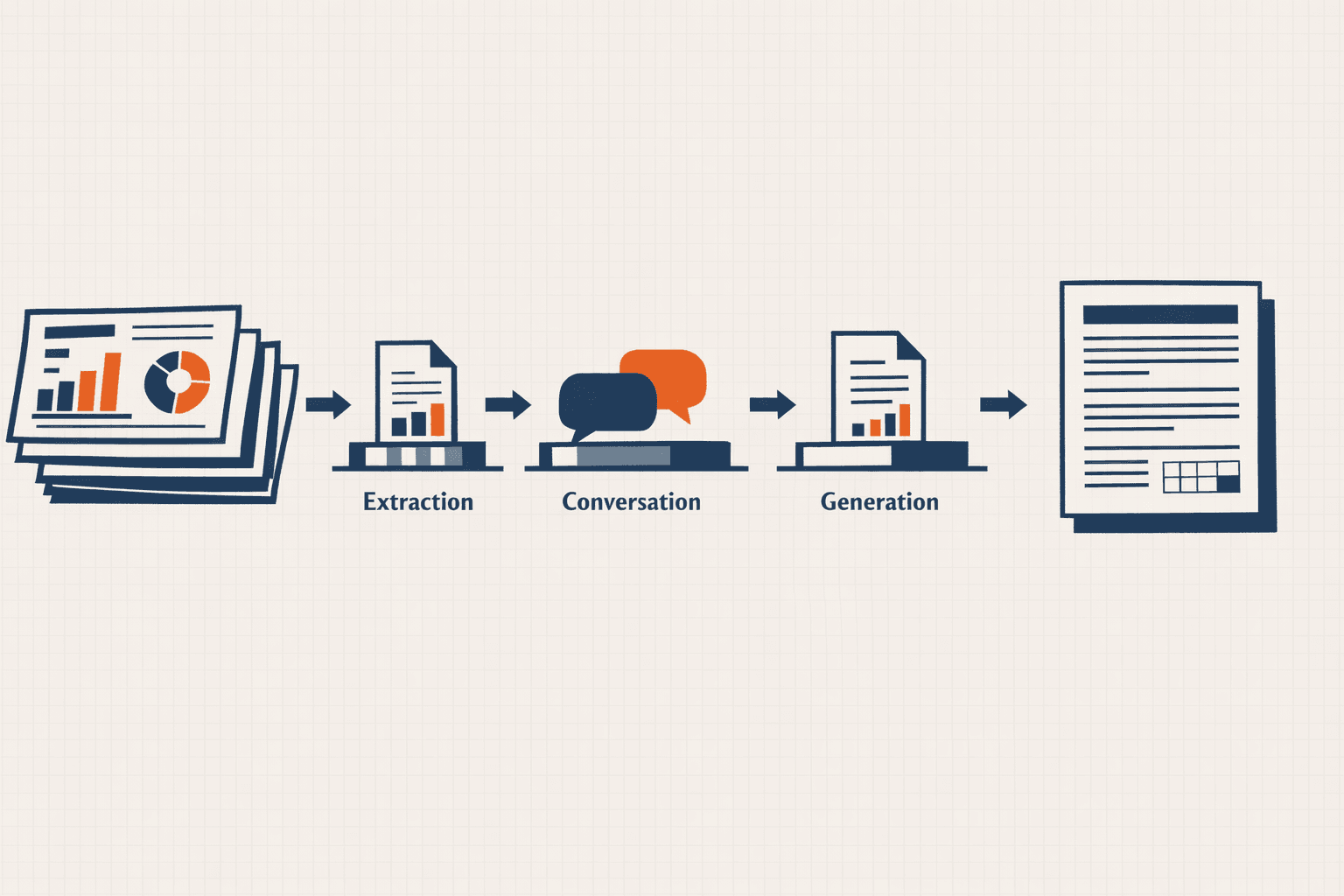
178 tools that compose statements of work, architecture files and client decks from a client manifest. The method stops living in senior heads and becomes executable code.
The theme for the Deliverable Factory: every layer enters exactly on the downbeat, until only the clock tick remains.
In a consultancy, the quality of a deliverable depends on who is staffed on the engagement. The same statement of work, written by 2 consultants, does not have the same value. That is a structural problem, and no amount of reviewing fixes it, because the review always happens at the end when there is no time left.
Tooling breaks that dependency. Encode the method into a tool, and the deliverable becomes repeatable: a junior consultant produces a senior document, because the rules live in the tool rather than in someone's head.
Everything composes from a client manifest, so the substance stays human and the form is guaranteed. There are 50 slide templates and 17 document templates behind it.
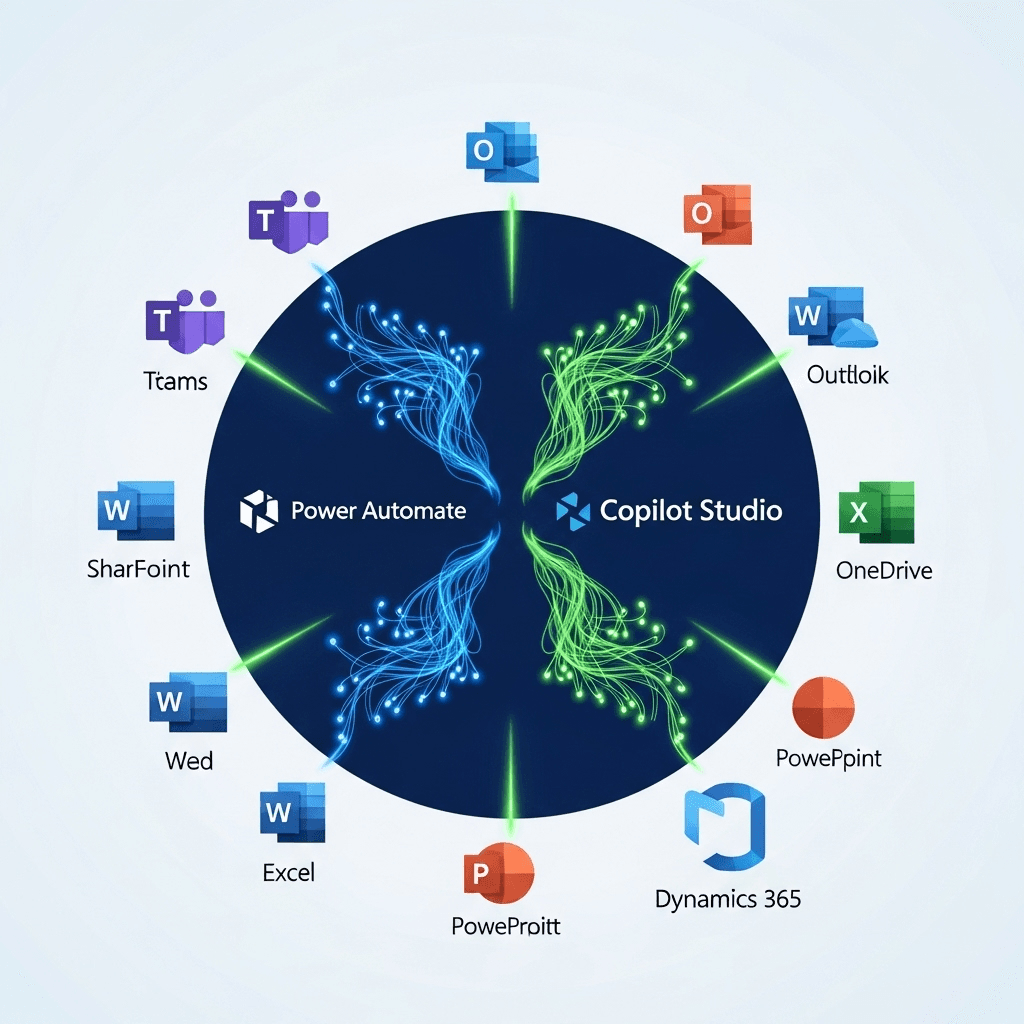
The same code serves a consultant's local machine over stdio and a remote Copilot agent over HTTP. That is what stops you writing the business logic twice.
The HTTP path runs OAuth 2.1 as a resource server: signature validation through JWKS, issuer and audience checks, and no secret stored server-side. This is not an API key in a config file.
MCP clients
  |-- Development agent   (consultant's machine, stdio)
  |-- Declarative agent   (inside M365 Copilot, HTTP)
        |
        v
  Transport
  |-- stdio              local, no auth, the proven mode today
  |-- HTTP + Entra OAuth 2.1   JWKS signature, issuer + audience, no server-side secret
        |
        v
  Server core: 178 tools, one registry
  |-- pptx_*        78   deck composition, 50 slide templates
  |-- jumpstart_*   45   pathways, estimating, contract rules
  |-- doc_*         35   17 canonical document templates
  |-- client_*      15   living memory and client manifests
  |-- rag_*          3   local index and search
  |-- blueprint_*    2   deliverable recipe to document
        |
        v
  Outputs: PPTX / DOCX / XLSX, asset resolver, local RAG, validators
The local RAG computes its embeddings locally, and the code physically refuses to run if the host is not on loopback. HTTP mode disables it entirely.
That is not a promise in a charter. It is a check in the code, placed where someone could otherwise break it by accident. Charters do not block anything; constraints placed at the point of violation do.
The 178 tools group into families, and the family names tell you what a delivery engagement actually consumes:
It composes from 22 blueprint recipes, 13 real client manifests and 77 asset files. Version 0.3.0.
“Finalisation is blocked” is an easy thing to claim, so here is what actually blocks it.
The deck validator runs brand and accessibility checks before finalising, against the recorded slide metadata. Violations block finalisation in strict mode; warnings are reported and let you through. An em dash anywhere in the text is a violation, which is how a house style rule stops being a preference.
The accent detector is the one I would show a Swiss client. It flags French words written without their accents, and both the document and the deck validator share it. Deliberately a warning and never a hard block: the language model is the source of the text, so the tool cannot safely put accents back, only report where they went missing.
The UX audit exports a finalised deck to per-slide images for visual review, with an optional PDF render and pixel-diff regression detection. On Windows that runs through PowerPoint COM, wrapped in retry and backoff, because it is the only reliable path here: LibreOffice does not work.
Every consultancy has a brand guide, and every brand guide is ignored under deadline. What differs here is where the rule lives: not in a PDF a reviewer is supposed to have read, but inside the function that writes the file, refusing to produce output.
The interesting design decision is the split between violation and warning. A rule the tool can verify absolutely, such as an em dash being present or an internal slide sitting in a client deck, blocks. A rule that needs judgement, such as an accent that may have been stripped where only a human knows the intended word, warns. Blocking on a judgement call is how you train people to bypass the tool.
The largest utility after slide composition, and the least glamorous. It resolves an asset name to an actual file across Azure Blob storage and a local cache, with aliases, fuzzy matching, and Levenshtein-based type suggestions when a name is close but wrong.
It exists because the failure it prevents is the one that costs a whole afternoon: a deck that finalises perfectly with a missing logo, or with the wrong client's logo, discovered by the client.
Install scripts for Windows and POSIX, plus a doctor script in both flavours that inspects the environment and says what is missing, rather than failing at first use. Continuous integration runs on Azure DevOps.
The 6 test suites are named for what they protect: the blueprint engine, client context, meteo history, the RAG index, a smoke run across the whole surface, and unit tests. 364 assertions, executed, all green.
It runs in daily production in stdio mode. The HTTP mode with Entra authentication is written, tested and wired into continuous integration, but the Azure App Service deployment is designed and documented and not yet provisioned.
I would rather say that unprompted than let "deployed in production on Azure" go unchallenged and be caught on it later.
Because the client is a language model. MCP describes the tools, their parameters and their constraints in a format the model can consume directly. A REST API would need a translation layer, and that layer would need maintaining every time a tool changed.
This server is internal to client delivery and its repository is private, so there is no public link. The architecture, the transport model and the guardrail design are all things I can walk through.