Project Deskmate: The AI-Powered ServiceNow IT Helpdesk Agent
A proof-of-concept demonstrating how a Generative AI agent can diagnose user issues, create detailed tickets, and slash resolution times in ServiceNow.
Project details
The Problem: The Overwhelmed IT Helpdesk
IT helpdesks are the central nervous system of any modern enterprise, but they are often overwhelmed. A significant portion of their workload consists of high-volume, low-complexity issues like password resets or basic troubleshooting. The manual process of a user describing their issue, an agent interpreting it, and then creating a structured ticket in a system like ServiceNow is inefficient and creates a frustrating bottleneck for both employees and IT staff.

The Solution: Deskmate, Your AI Tier 1 Agent
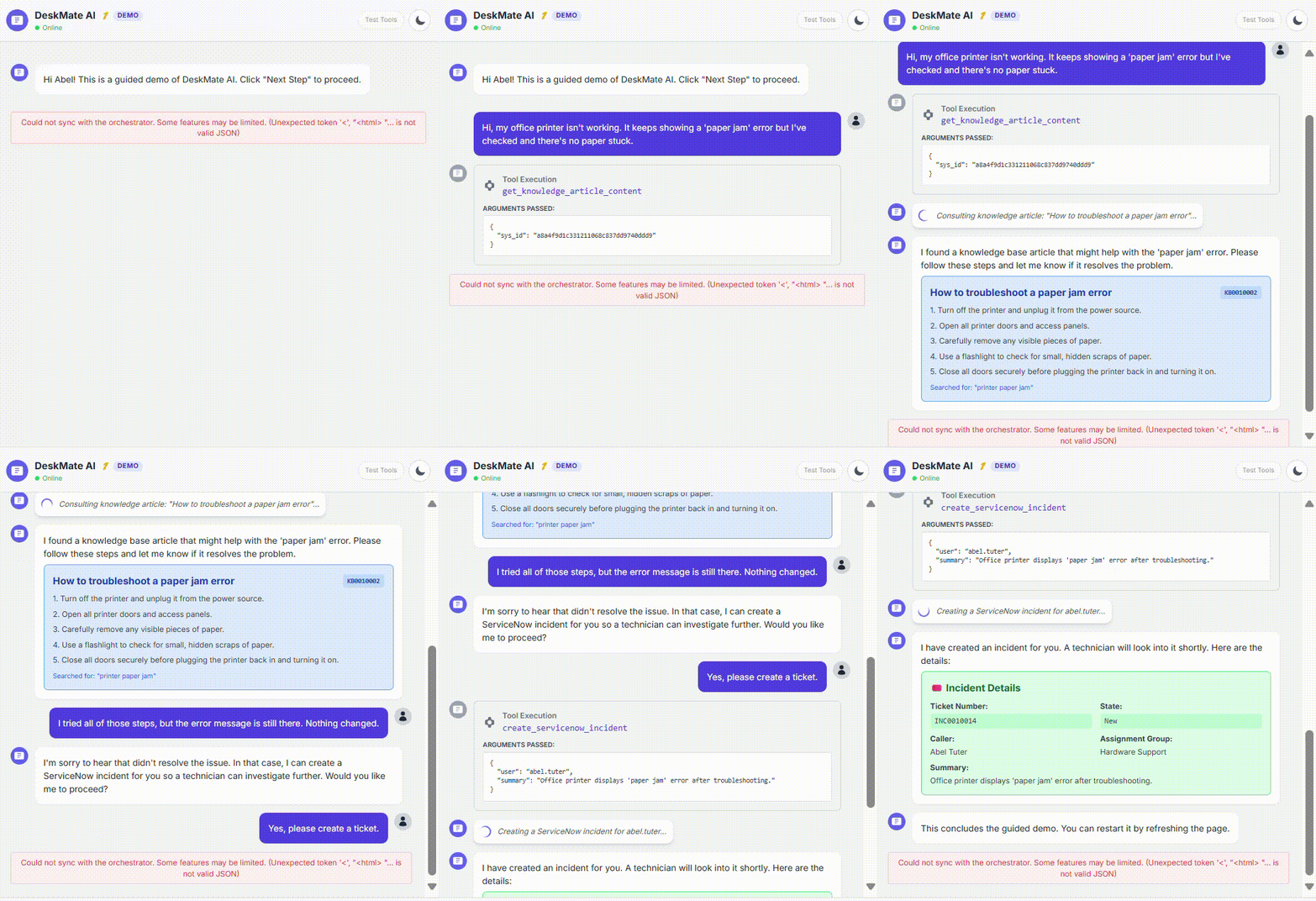
Project Deskmate is a proof-of-concept for an intelligent AI agent that acts as a 24/7 Tier 1 support specialist. Integrated directly into Microsoft Teams via Copilot Studio, Deskmate engages users in a natural conversation to diagnose their problem, gathers the necessary details, and then uses Power Automate to create a perfectly formatted, detailed ticket directly in ServiceNow, assigning it to the correct team.
Technical Architecture
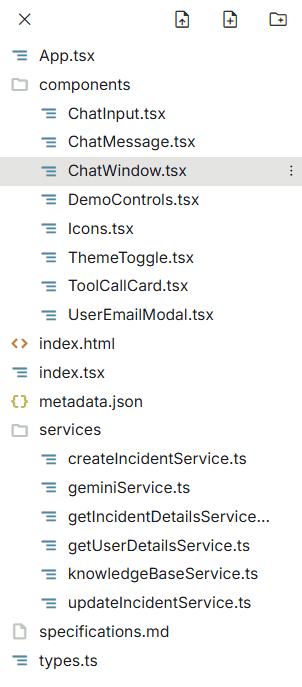
The solution is built on a modern, serverless architecture that combines a conversational front-end with a powerful automation engine. This allows for a scalable, maintainable, and highly effective system.
- Copilot Studio: Provides the user-facing conversational interface within Microsoft Teams.
- Gemini 2.5 Flash API: Powers the natural language understanding (NLU) and reasoning. The AI analyzes the user's problem and extracts key entities like the affected application and the urgency.
- Power Automate: Acts as the orchestration layer, connecting the Copilot to the ServiceNow API.
- ServiceNow API: The REST API used to create and update incident tickets in the IT Service Management platform.
The Power of the System Prompt
The key to Deskmate's effectiveness is its system prompt. By providing the AI with a clear persona, detailed instructions, and examples of the desired output format, we can guide it to create high-quality, structured tickets every time. This reduces the need for complex parsing logic and ensures the data sent to ServiceNow is always clean and consistent.
You are 'Deskmate', a helpful IT support agent for ServiceNow. Your goal is to understand the user's problem and create a structured ticket. First, ask clarifying questions to understand the issue. Then, summarize the ticket details for the user's confirmation before creating it.

Ticket Format:
{
  "caller_id": "user_email",
  "short_description": "[Summarize the core issue]",
  "description": "[Provide a detailed narrative of the user's problem]",
  "urgency": "[1-High, 2-Medium, 3-Low]",
  "assignment_group": "[Infer from issue, e.g., 'Hardware', 'Software', 'Network']"
}
Project Repository
The complete proof-of-concept, including the Python backend for the Gemini agent, is available on GitHub. You can explore the code to see the detailed implementation of the NLU engine, dialog manager, and ServiceNow integration.
Business Impact & Next Steps
The Deskmate POC successfully demonstrates a significant opportunity to improve IT support efficiency. By automating Tier 1 ticket creation, the system can reduce ticket resolution times, improve the quality of incident data, and free up human agents to focus on more complex problems. The next step would be to expand the agent's capabilities to include automated troubleshooting steps and direct resolution of common issues, further enhancing its value as a digital team member.