Interactive Showcase: Smart Canvas
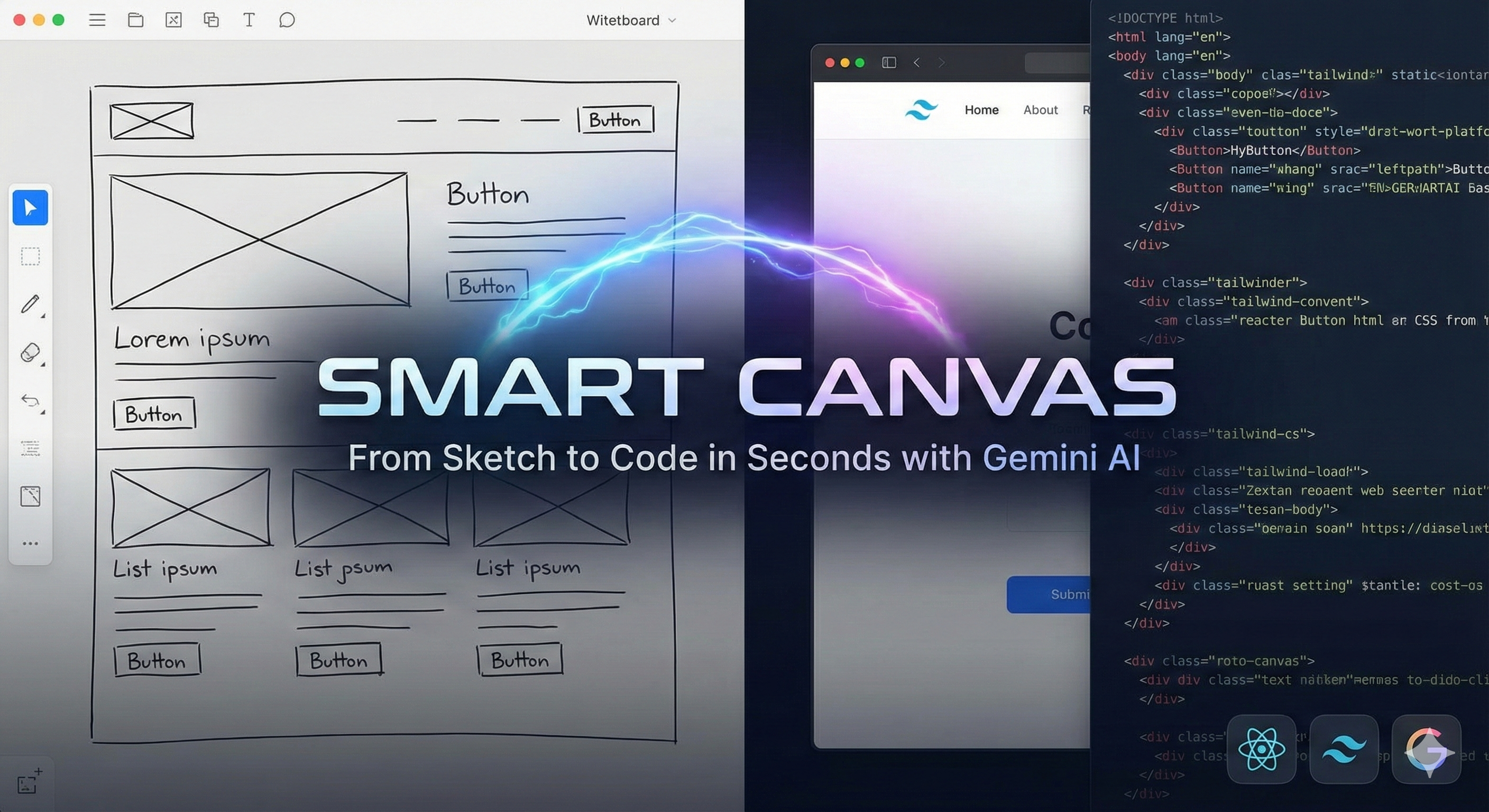
Draw your idea, and watch a multimodal LLM build it. A real-time vision-to-code demo converting hand-drawn wireframes into production-ready React/Tailwind code, the same pattern that powers GitHub Copilot Workspace.
Project details
The Vision: From Sketch to Code in Seconds
UI design often starts with a messy whiteboard sketch. The Smart Canvas project demonstrates how multimodal AI can bridge the gap between abstract visual ideas and concrete code. Instead of explaining a layout in text, you simply draw it.
Using a fast multimodal model's vision capabilities, this app performs Semantic Object Detection on your raw ink. It doesn't just see pixels; it recognizes the intent behind a box with an 'X' as an image placeholder and a rectangle with text as a primary call-to-action button, generating a responsive HTML/Tailwind component that reflects this semantic hierarchy. The same vision-to-code pattern is what powers GitHub Copilot Workspace and Microsoft Designer.
How It Works: The Vision Pipeline
1. The Canvas Interface
A custom HTML5 Canvas implementation captures your mouse movements. It supports distinct semantic tools: 'Box' (containers), 'Text' (labels), and 'Button' (actions). The canvas state is managed as raw pixel data, allowing for both freehand drawing and programmatic template injection.
2. Multimodal Vision Translation
When you click 'Generate', the canvas is rasterized into a Base64 PNG. This visual data is processed by a multimodal encoder which maps the spatial relationships of your sketch to the syntactic structure of modern web layouts. The model interprets handwriting via OCR to automatically populate headers and button labels.
3. Live Rendering & Sandboxing
The model returns raw HTML code with Tailwind utility classes. To ensure security and style isolation, this code is injected into a sandboxed iframe, providing an instant preview of the generated interface without affecting the main application.
The Prompt Engineering
Getting usable code from a simple sketch requires a robust prompt. We explicitly instruct the model to interpret specific visual cues (e.g., 'lines' mean text paragraphs, 'crossed boxes' mean images) and enforce a modern design aesthetic using Tailwind CSS. The prompt acts as a 'translator' between the low-fidelity wireframe and the high-fidelity output.
You are an expert Frontend Engineer. Look at this wireframe sketch.
Convert it into a single, polished HTML file using Tailwind CSS.

RULES:
1. Use <script src='https://cdn.tailwindcss.com'></script>.
2. Make it look MODERN and PROFESSIONAL (better than the sketch).
3. Interpret 'Button' rectangles as interactive elements with hover states.
4. Interpret lines as text paragraphs.
5. Return ONLY the raw HTML code.